



Creality
Creality Falcon A1 Pro - 20W

We have 1 in stock.


Creality Falcon A1 Pro - 20W

EC3D Shop - Maarssen, Utrecht
Pickup Available - usually ready in 2 hours
Address:
Gagledijk 2, Unit B2
3602 AL, Maarssen, Utrecht
Contact details:
Telephone: +31 (0)6 2914 7428
Email: info@ec3d.nl
Trading Hours:
Monday - Friday: 09:00 - 17:00
Saturday & Public Holidays: 10:00 - 15:00
Sunday: Closed
Precision, Safety, and Intelligence in One Box!
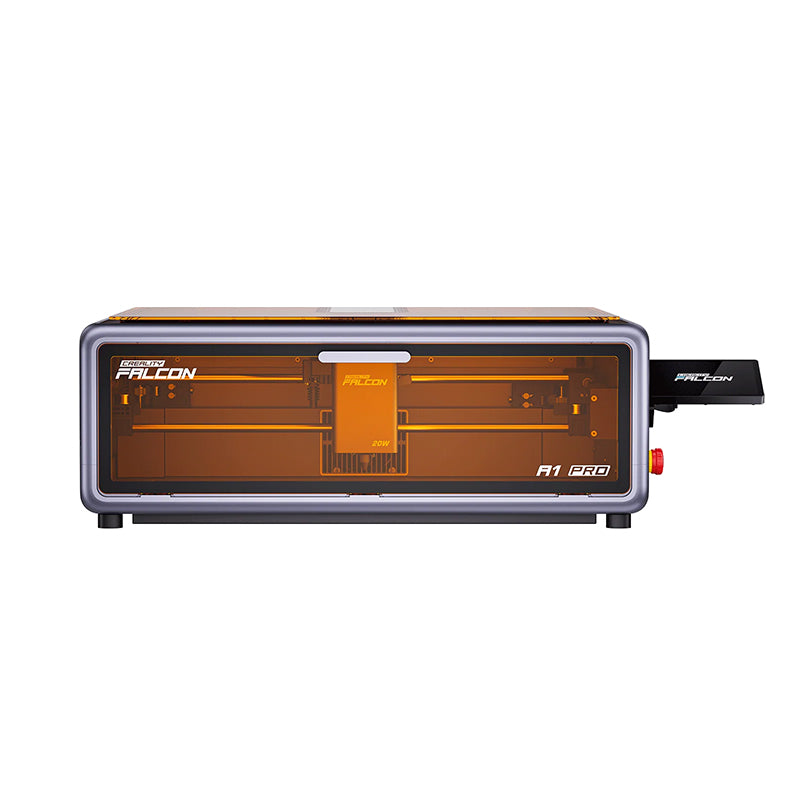
The Creality Falcon A1 Pro is a high-performance, fully enclosed laser engraver and cutter designed for creators who demand professional results with "plug-and-play" simplicity.1 Featuring a powerful 20W blue diode laser, this machine effortlessly cuts through thick materials like 10mm basswood in a single pass while maintaining a compact footprint perfect for home studios or small businesses.
What truly sets the A1 Pro apart is its intelligence. Equipped with an AI-powered vision system, it offers instant autofocus and real-time remote monitoring via a dedicated app.3 Whether you are batch-producing custom gifts or prototyping intricate designs, the Falcon A1 Pro combines industrial-grade speed (600mm/s) with Class 1 safety, making it the smartest and safest choice for your desktop workshop.
Key Features:
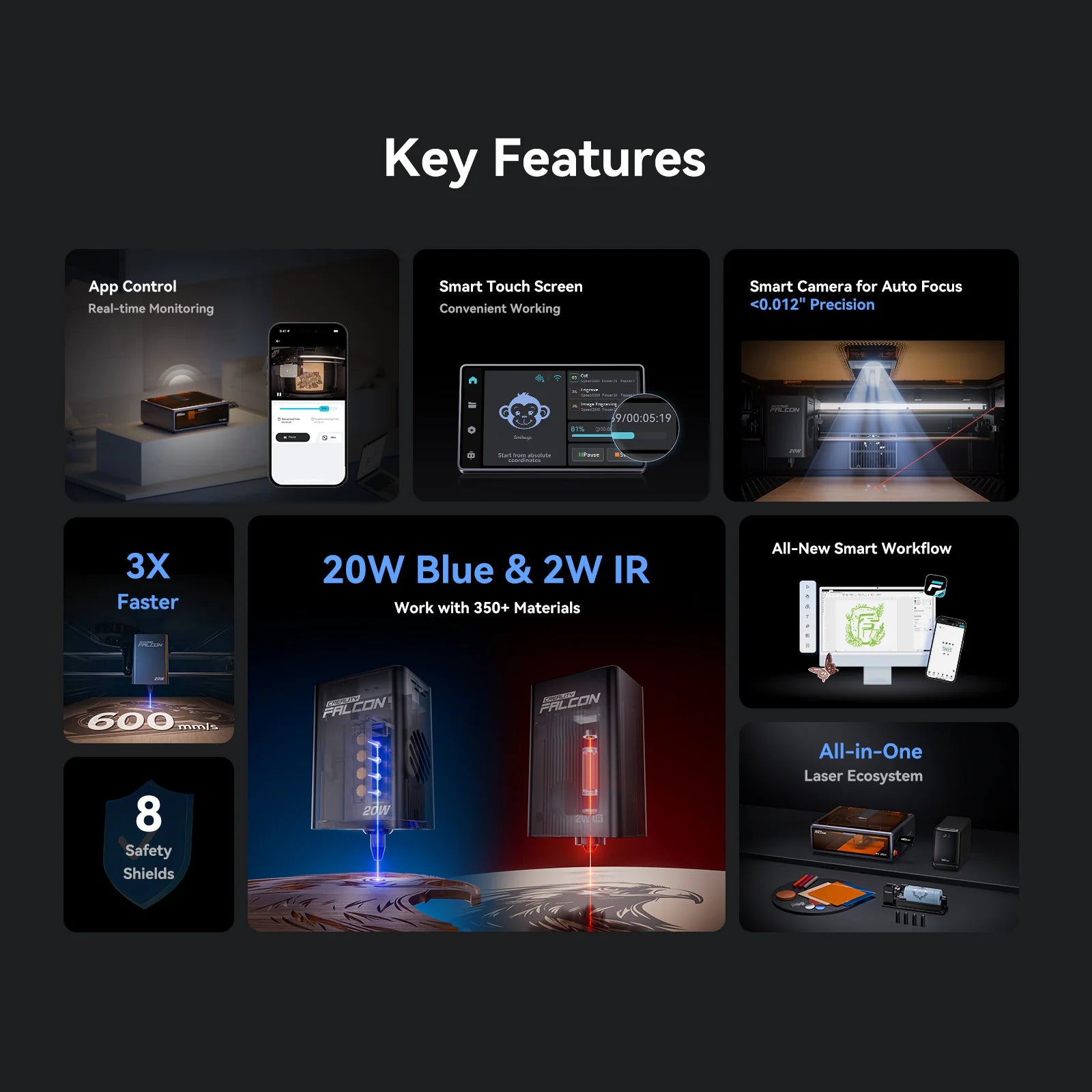
- Powerful 20W Blue Diode Laser: Deliver professional-grade cutting and engraving on over 350+ materials, including wood, acrylic, leather, and coated metals.
- Fully Enclosed Class 1 Safety: The integrated enclosure with a protective viewing window filters harmful laser light and contains smoke, making it safe for homes, classrooms, and offices.
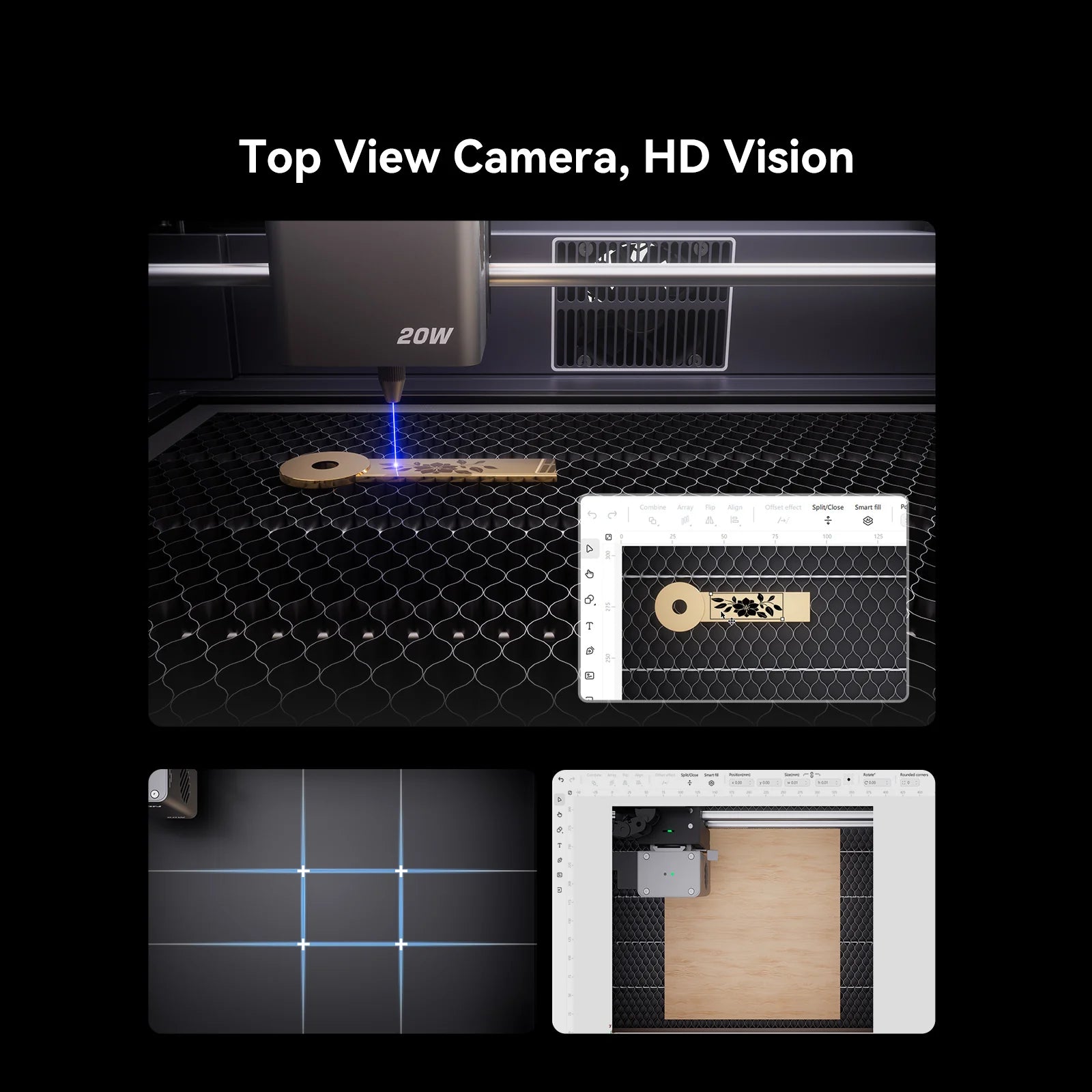
- AI Vision & Instant Autofocus: A top-mounted HD camera and red-dot laser rangefinder provide 3-second autofocus and high-precision positioning with accuracy up to 0.012".
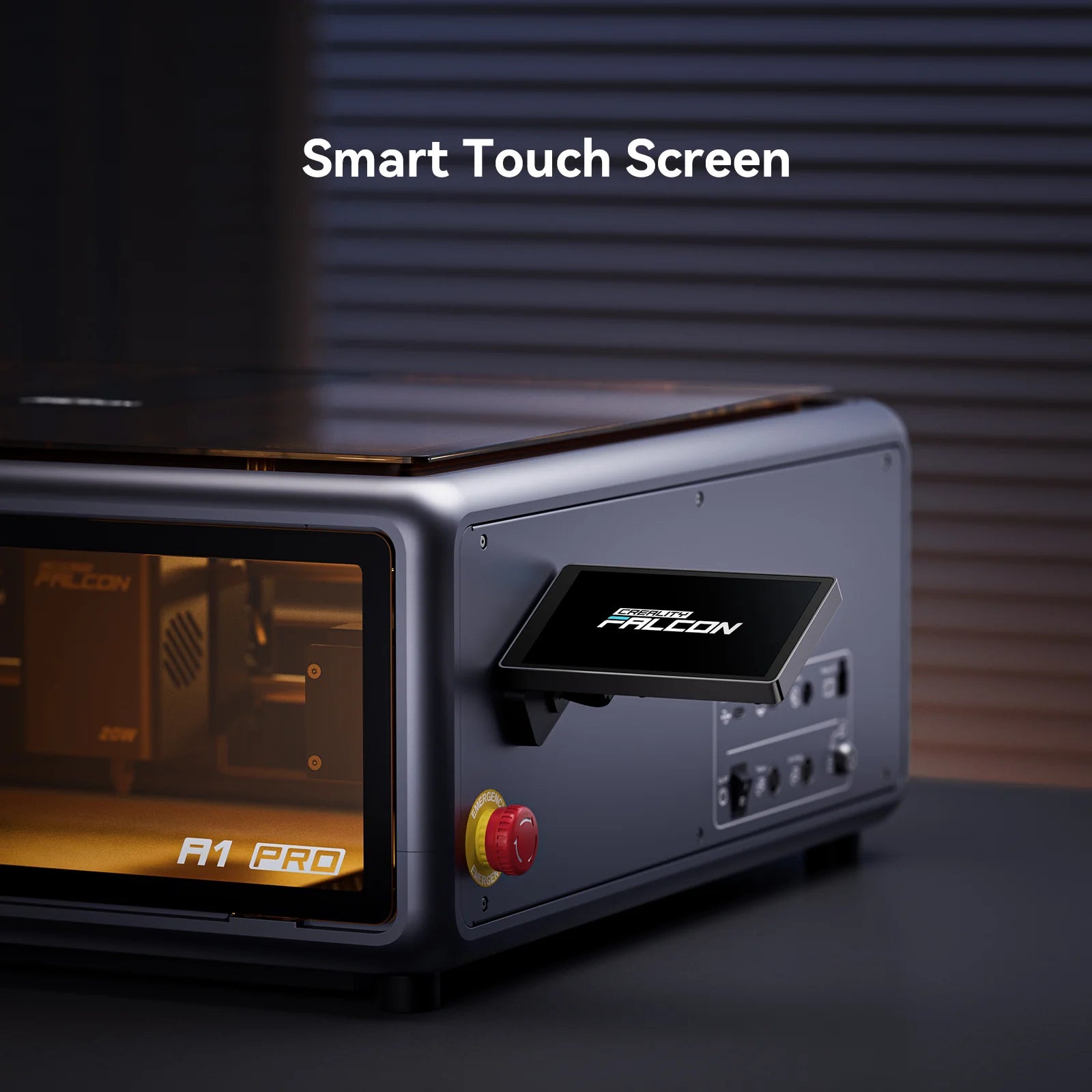
- Smart Touchscreen & Standalone Operation: Ditch the computer. Use the 4.3-inch color touchscreen to preview designs, adjust settings, and start projects directly from a TF card or Wi-Fi.
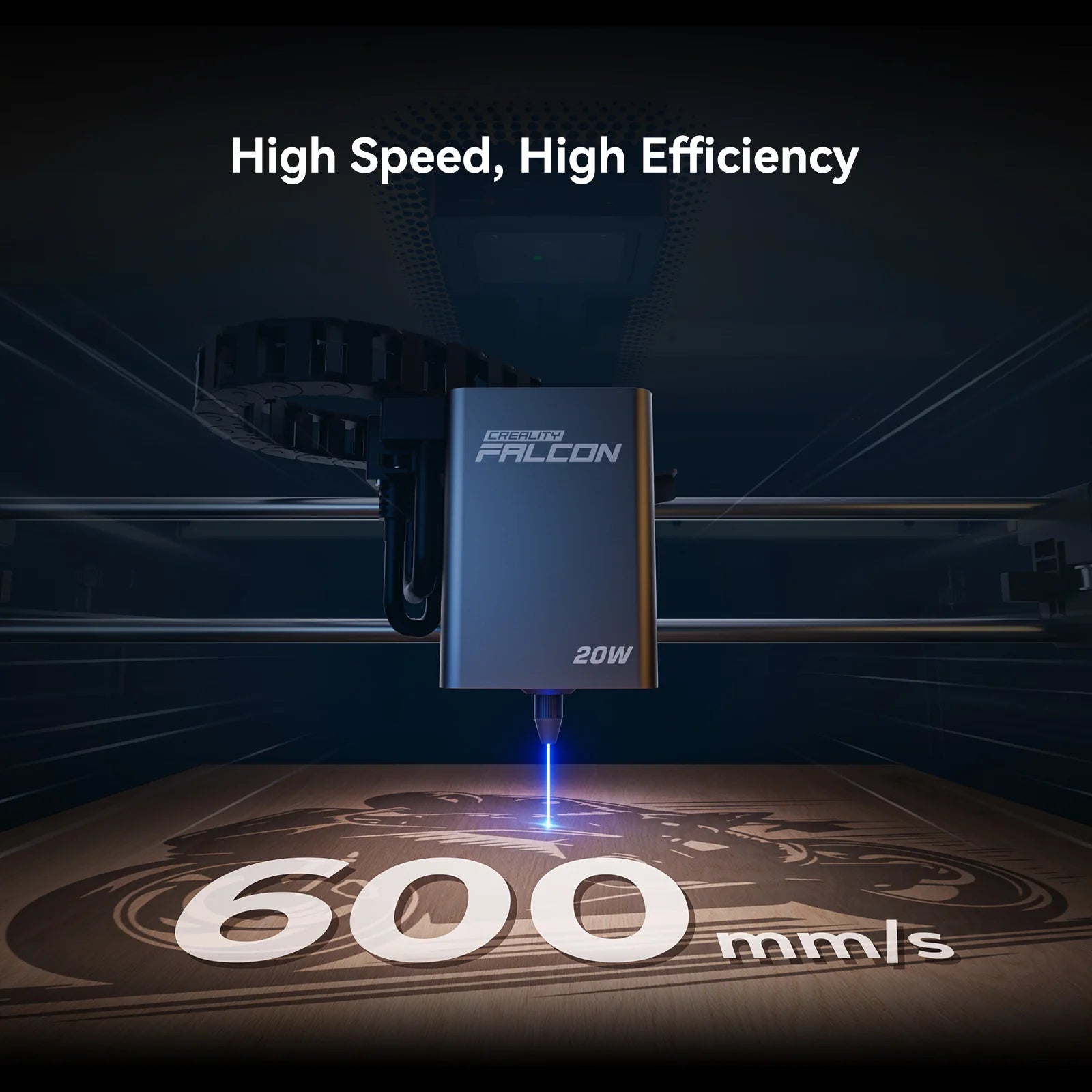
- High-Speed CoreXY Motion: Reach speeds of up to 600mm/s, significantly reducing production time for batch engraving without sacrificing detail.
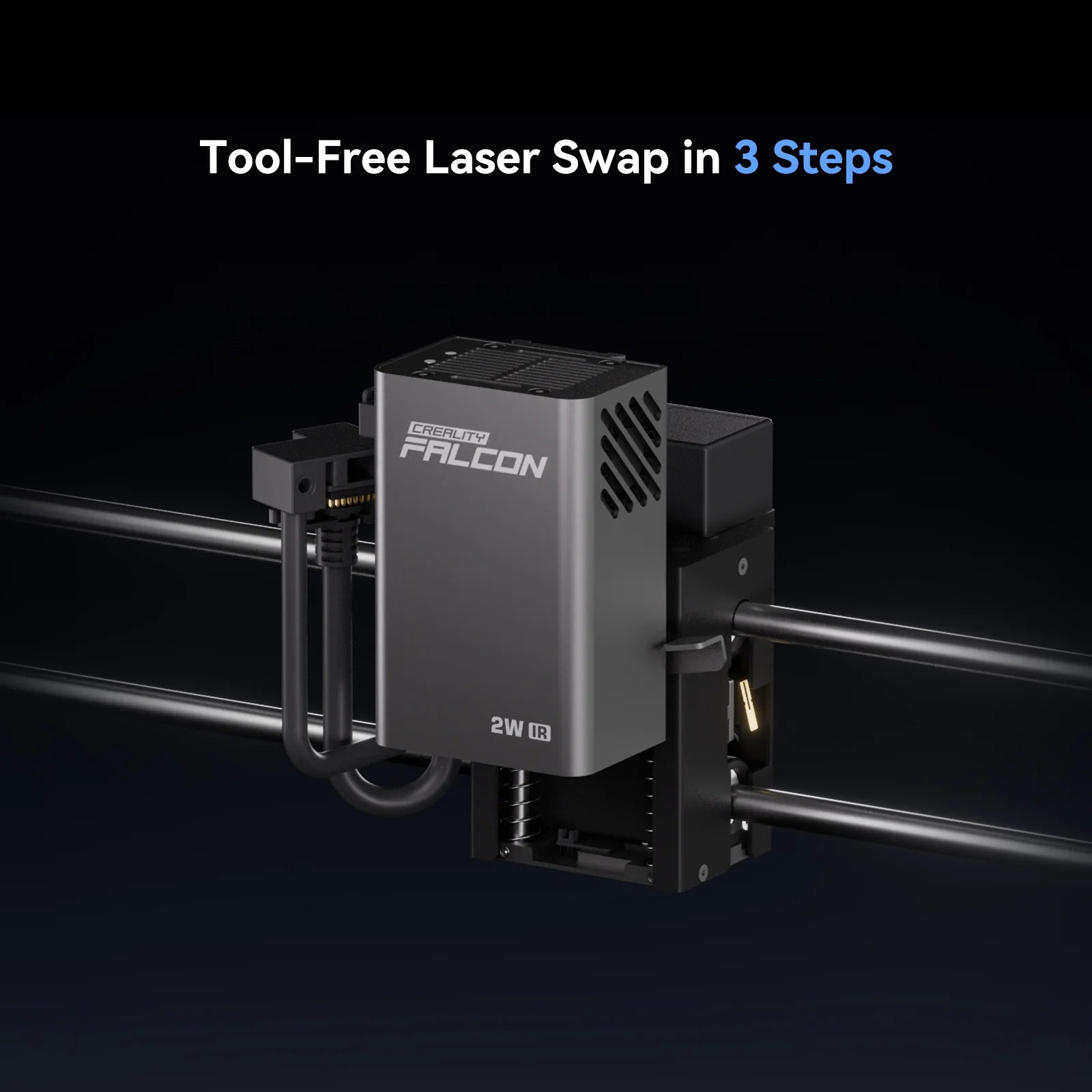
- Quick-Swap Module System: Easily switch between the standard 20W blue laser and an optional 2W Infrared (IR) module (sold separately) for high-detail engraving on bare metals and plastics.
- Integrated Smoke Management: Features a built-in extraction fan and air assist compatibility to ensure clean cuts, clear lenses, and a smoke-free workspace.
- Flame & Motion Detection: Advanced sensors automatically pause the machine and alert you via the app if flames or accidental tilting are detected.

Falcon Design Space: Your Mobile Creative Hub
The Falcon Design Space app transforms your smartphone into a powerful control center, allowing you to move from inspiration to finished product in minutes. Designed for both beginners and pros, it streamlines the entire laser workflow via Wi-Fi and Bluetooth.
App Key Features:
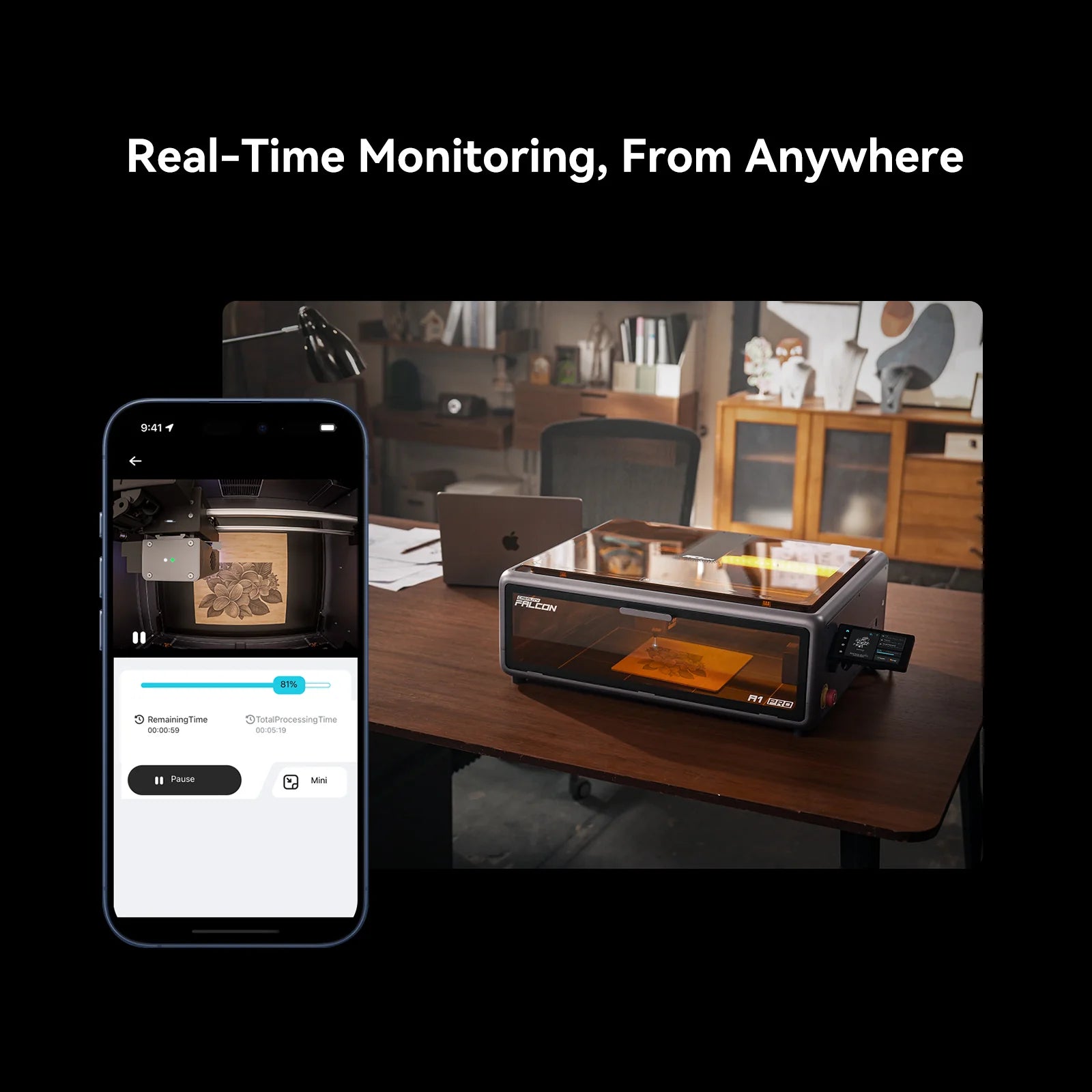
- Real-Time Monitoring: Watch your project's progress live through the A1 Pro’s built-in camera, directly on your phone.
- AI Image Processing: Convert photos into engravable line art or grayscale images instantly using built-in AI filters.
- Smart Canvas Tools: Design shapes, add text, and perform Boolean operations (unite/subtract) within a user-friendly mobile interface.
- One-Tap Settings: Access a massive cloud-based material library that automatically applies the best power and speed settings for your specific project.
- Remote Management: Start, pause, or stop your machine from anywhere in your home or studio for maximum flexibility.
- Download the Software: You can download the Falcon Design Space app for iOS and Android, or the desktop software for Windows and macOS, at the official Creality download center: Download Falcon Design Space
Together, Layer by Layer!