
Elegoo
Elegoo Centari Carbon 2 Combo

We have 3 in stock.


Elegoo Centari Carbon 2 Combo

EC3D Shop - Maarssen, Utrecht
Pickup Available - usually ready in 2 hours
Address:
Gagledijk 2, Unit B2
3602 AL, Maarssen, Utrecht
Contact details:
Telephone: +31 (0)6 2914 7428
Email: info@ec3d.nl
Trading Hours:
Monday - Friday: 09:00 - 17:00
Saturday & Public Holidays: 10:00 - 15:00
Sunday: Closed
Elegoo Centauri Carbon 2 Combo
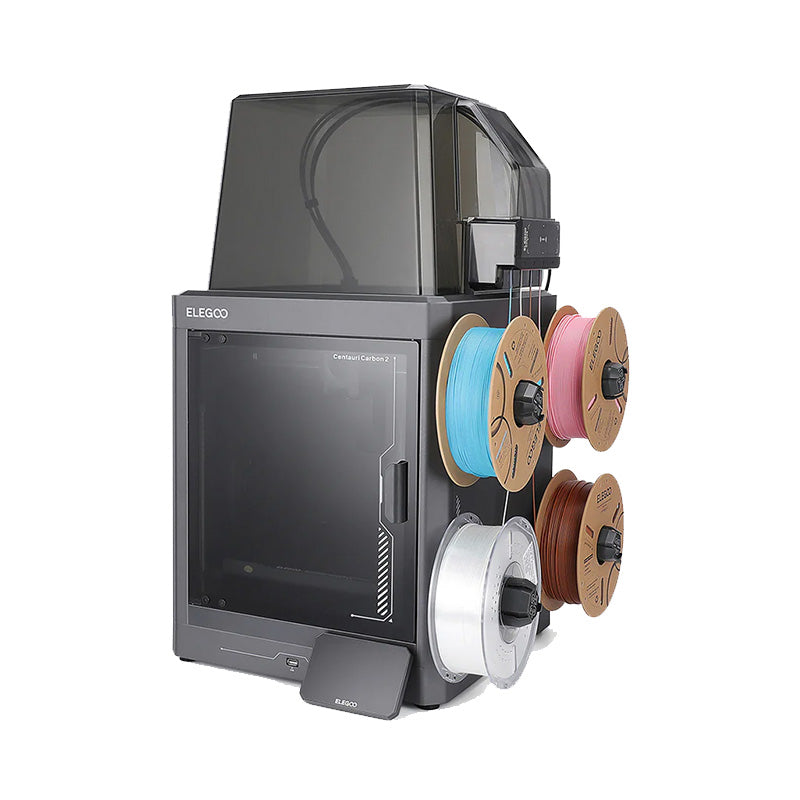
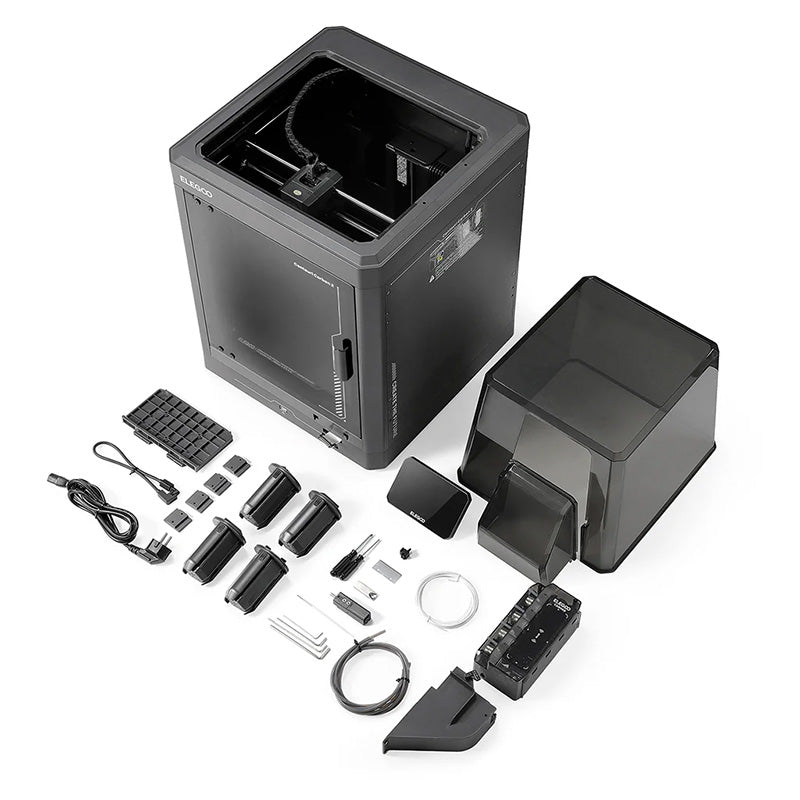
Please Note: Filament spools and multi-color reels shown in product images and promotional materials are for demonstration purposes only and are sold separately.
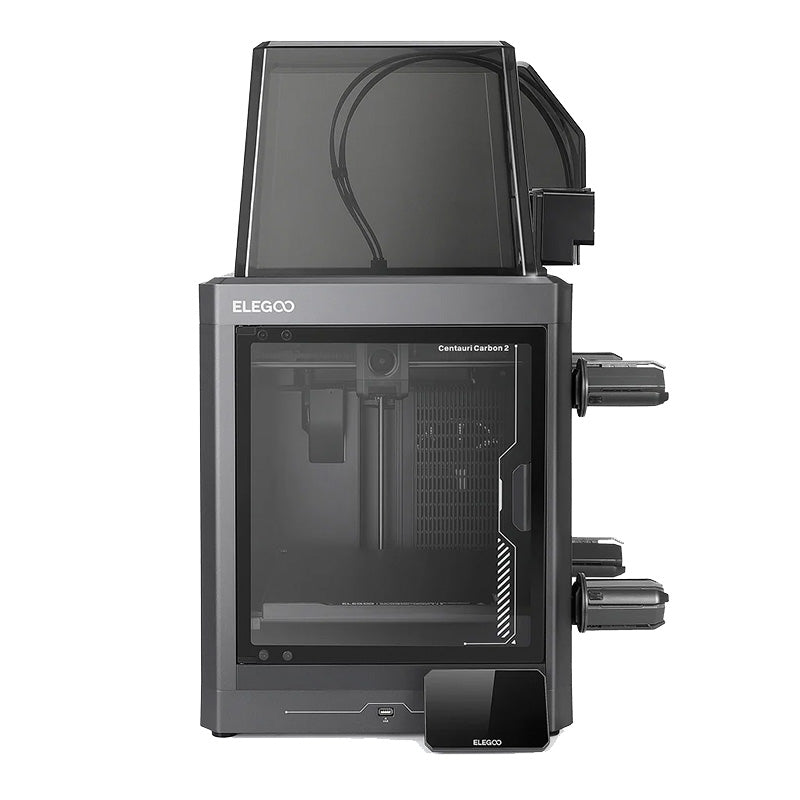
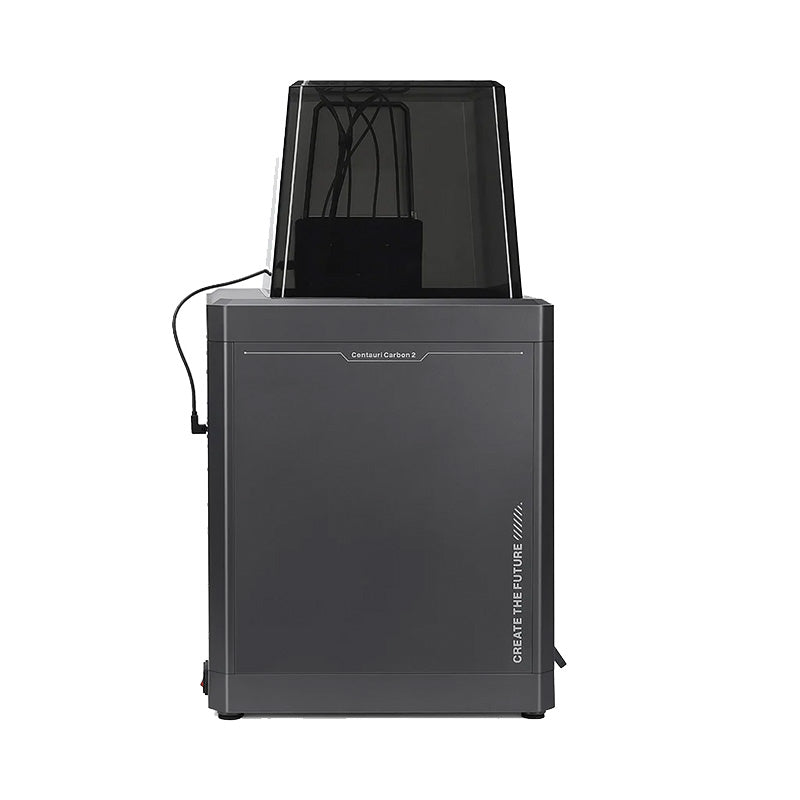
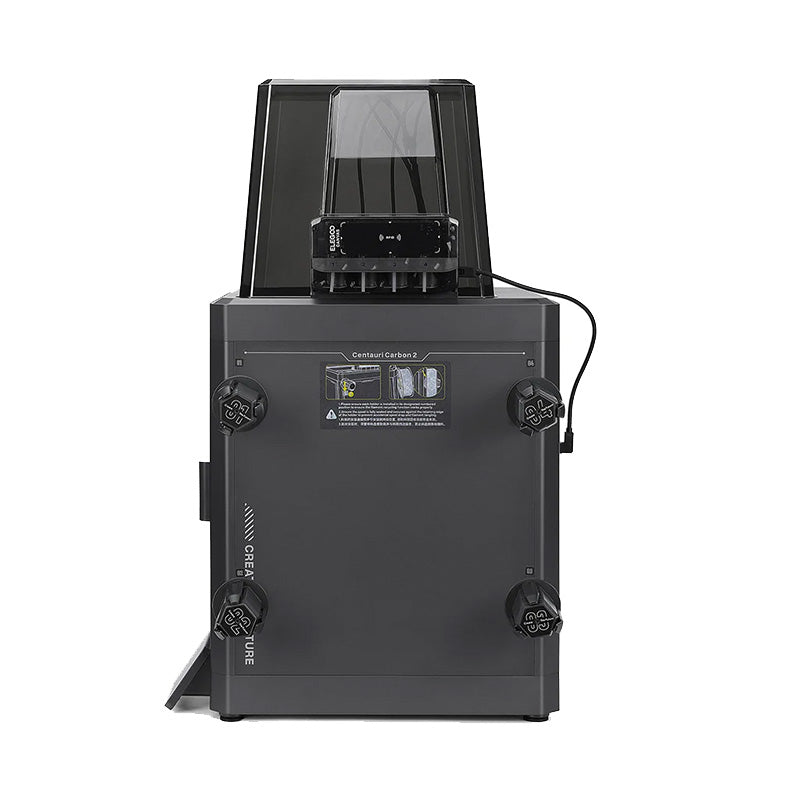
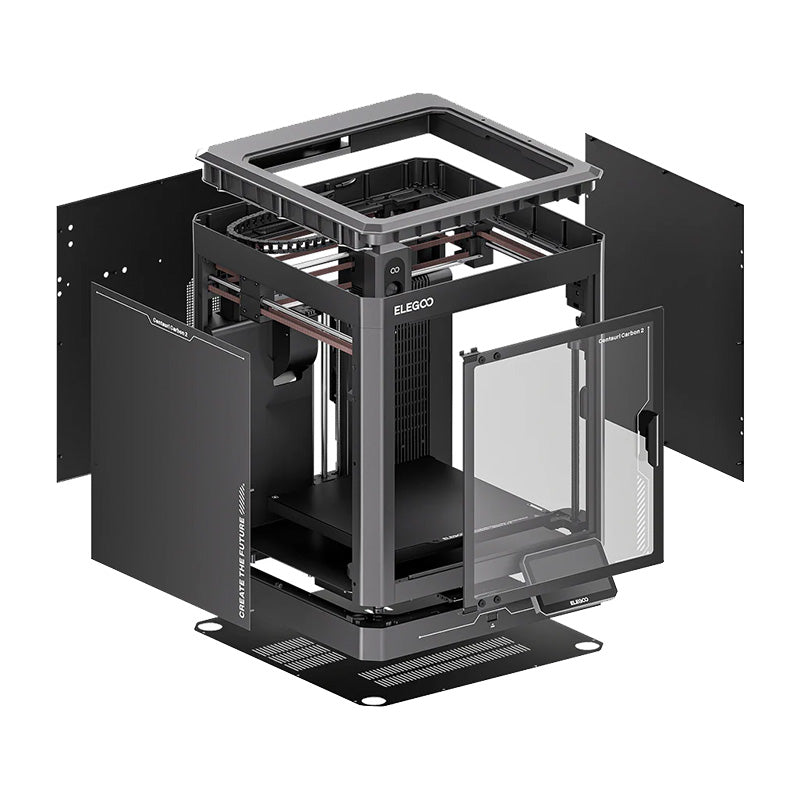
The Elegoo Centauri Carbon 2 Combo is a high-speed, fully enclosed CoreXY 3D printer equipped with the CANVAS multi-color system. Engineered to challenge premium multi-material printers at a far more accessible price point, the CC2 Combo brings effortless 4-color printing, whisper-quiet operation, and automated workflow features right out of the box.
Key Features:
- CANVAS 4-Color Printing System: Seamlessly print with up to four filaments in a single model. Features automatic RFID filament recognition, instant switching, and auto-refill spool rollover to prevent runouts mid-print.
- 350°C High-Temp Hotend & Hardened Nozzle: Equipped with a 350°C hardened steel nozzle and titanium alloy heatbreak, enabling effortless printing of everything from basic PLA to abrasive carbon-fiber composites.
- Smart Venting Chamber Control: An automated louvre/grille system opens and closes vents according to the material loaded, venting excess heat for PLA or sealing the chamber to prevent warping on technical materials like ABS or PC.
- Ultra-Quiet Operation (<45 dB): Advanced silent stepper drivers and optimized fan curves keep printing noise under 45 dB—quiet enough for an office or bedroom.
- Full Auto Calibration: Features 121-point automatic bed leveling, vibration compensation, and auto pressure advance for silky-smooth first layers without manual tuning.
- AI Camera & Filtration: Integrated 1080p camera for error detection and time-lapses, backed by a dual HEPA and coconut-shell activated carbon air filter.
Supported Materials:
Thanks to its 350°C hotend, 110°C heated bed, and enclosed thermally managed chamber:
- Standard Filaments: PLA, PETG, TPU, High-Speed PLA
- Enclosed/High-Temp Filaments: ABS, ASA, PC, Nylon (PA), PET
- Carbon Fiber & Composite Blends: PLA-CF, PETG-CF, ABS-CF, ASA-CF, PA-CF, PET-F
Pro Tip:
When setting up multi-color prints in Elegoo Slicer or OrcaSlicer, use the Flush Volume Auto-Calculate tool after picking your colors. Setting exact purge amounts based on contrast (e.g., purging more when transitioning from black to white, and less from yellow to orange) will prevent color bleeding while saving significant amounts of time and filament.
Together, Layer by Layer!